THE CROWD IS THE SHOW.

The part no other visualizer has — and the reason DJs and event hosts pick Phasion.

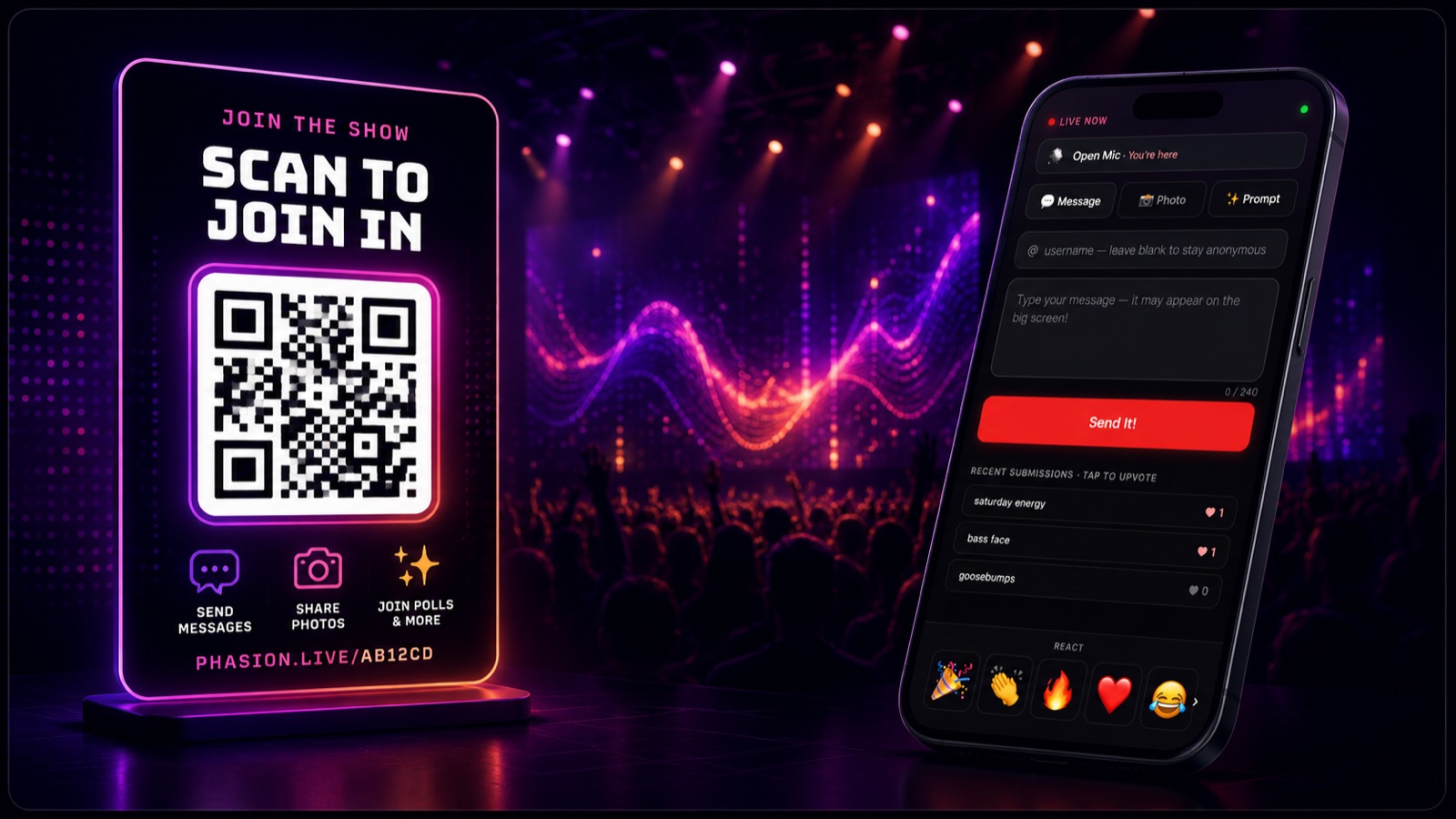
Phasion Live's audience QR code panel — scannable by every phone in the room to join the live show
AUDIENCE ENGAGEMENT

Scan a QR code. Every phone in the room joins in.

Other visualizers are just decoration. Phasion Live makes the crowd part of the show.

What's in it

  • Stable audience URL — your-slug.phasion.live never changes across gigs
  • No app, no signup — scan the QR and you're in within seconds
  • Live photo wall — audience uploads from their phones
  • Scrolling messages · polls · trivia · caption contests · emoji applause
  • Audience writes AI prompts — rendered on your Mac, no API fees
  • Theme-mode AI — set a vibe, prompts auto-generate all night
  • Built-in NSFW + profanity moderation queue
  • Handles club-night crowds — hundreds of concurrent phones
  • After-event recap — submissions, peak hour, photo gallery

📡 Two ways to deliver it

Local — audience submissions travel from phones to your Mac directly via your stable QR. Photos stay on your local disk. Nothing is stored in the cloud. Privacy by architecture, not by promise.

Cloud — same audience experience, with a cloud-backed relay that keeps the QR live even when your laptop sleeps between sets, plus the 48-hour recap URL. Built for big rooms (500+ phones) and recurring venue residencies.

Available in Pro · Venue
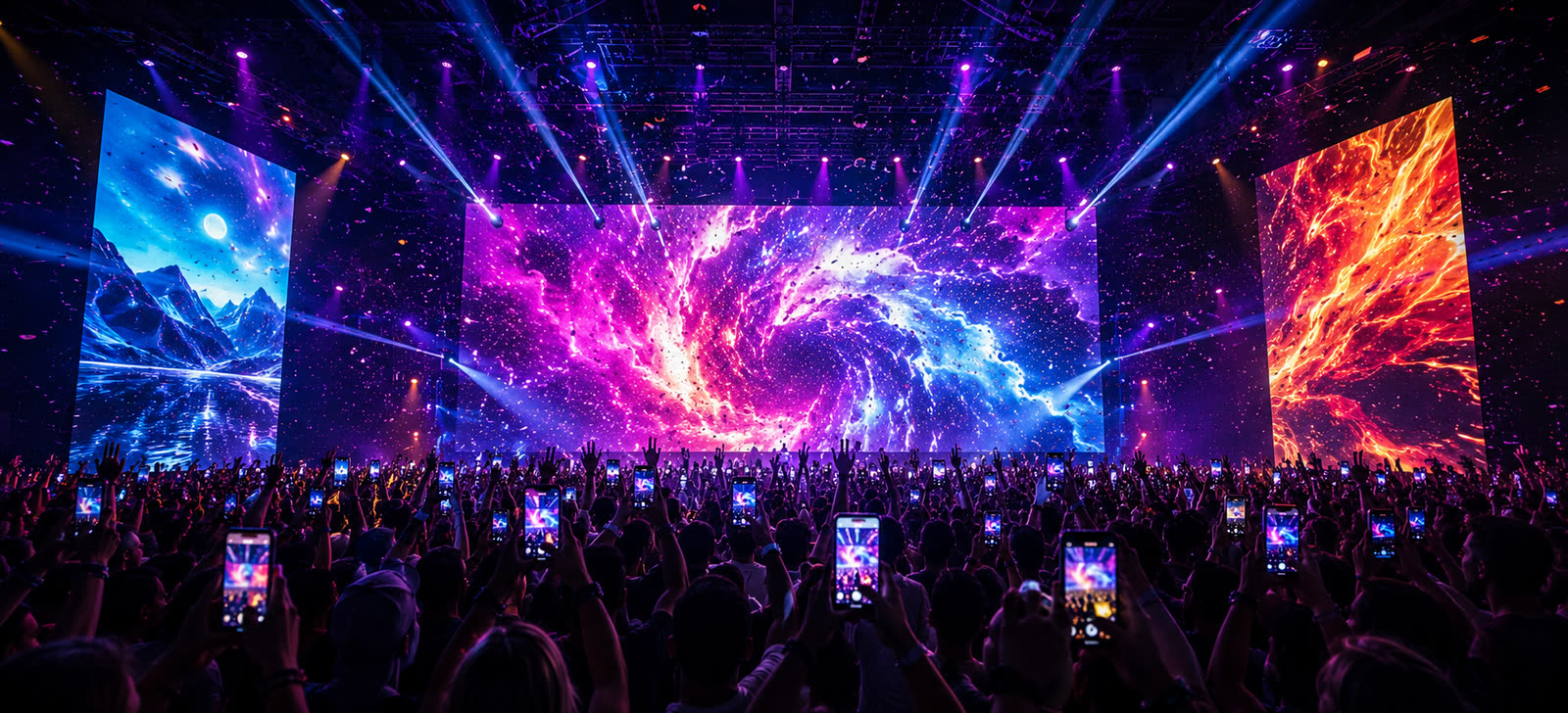
A packed crowd filming on their phones — Phasion Live's CrowdCam puts their live camera feeds on the venue screens
CROWDCAM

The crowd becomes the camera crew.

Guests tap “Go on screen” and their phone camera goes live on your displays — the room filming itself, in real time.

What's in it

  • Phones go live with one tap — no app, just the same QR
  • Approve-before-air lobby — you choose who goes up on screen
  • Auto-air mode — hands-free, the whole room rotates through automatically
  • Up to 9 live tiles — spotlight one, grid the crew, or auto-rotate
  • Pinch-to-zoom on phones — frame the shot from the floor
  • Sub-second latency over the same cloud relay as the rest of the crowd layer
  • Record every angle — phone audio captured for easy sync, exported as a multicam timeline (Final Cut · Premiere · Resolve)
  • One pull feeds every screen — no bandwidth penalty for multi-output or Resolume
Available in Pro · Venue

THE VISUALS RUN THEMSELVES.

23,000+ audio-reactive presets that move with the music — hit play and walk away.

VISUAL ENGINE

23,000+ presets that react to your music.

The core every plan sits on — battle-tested audio-reactive presets, blended in real time.

What's in it

  • 23,000+ audio-reactive presets, ready to go
  • Live A+B preset blending — fade between two at once
  • Auto-cycling on the beat — set the cadence, walk away
  • 5-band EQ + reactivity sensitivity tuning
  • 60fps GPU-accelerated rendering
Available in All plans
Phasion Live overlaying the current song title, artist, and synced lyrics on a colorful audio-reactive visual
AUDIO & MUSIC

Reacts to anything coming through your speakers.

Spotify, vinyl, mic, DJ output, system audio. Point it at whatever's playing — Phasion Live listens.

What's in it

  • System audio capture (Mac) — anything playing on your computer
  • Mic input — live music, vinyl, ambient sound
  • Chrome tab audio (Browser) — Spotify, YouTube, any tab
  • Shazam-powered song ID — artist + title on-screen (Solo+)
  • Synced lyrics scrolling in time with the music (Solo+)
  • BPM detection — drives auto-cycle pacing
Available in All plans · Shazam & lyrics on Solo+ (macOS)

EVERY SCREEN, ONE LAPTOP.

Drive every display in the room — and brand them all yours.

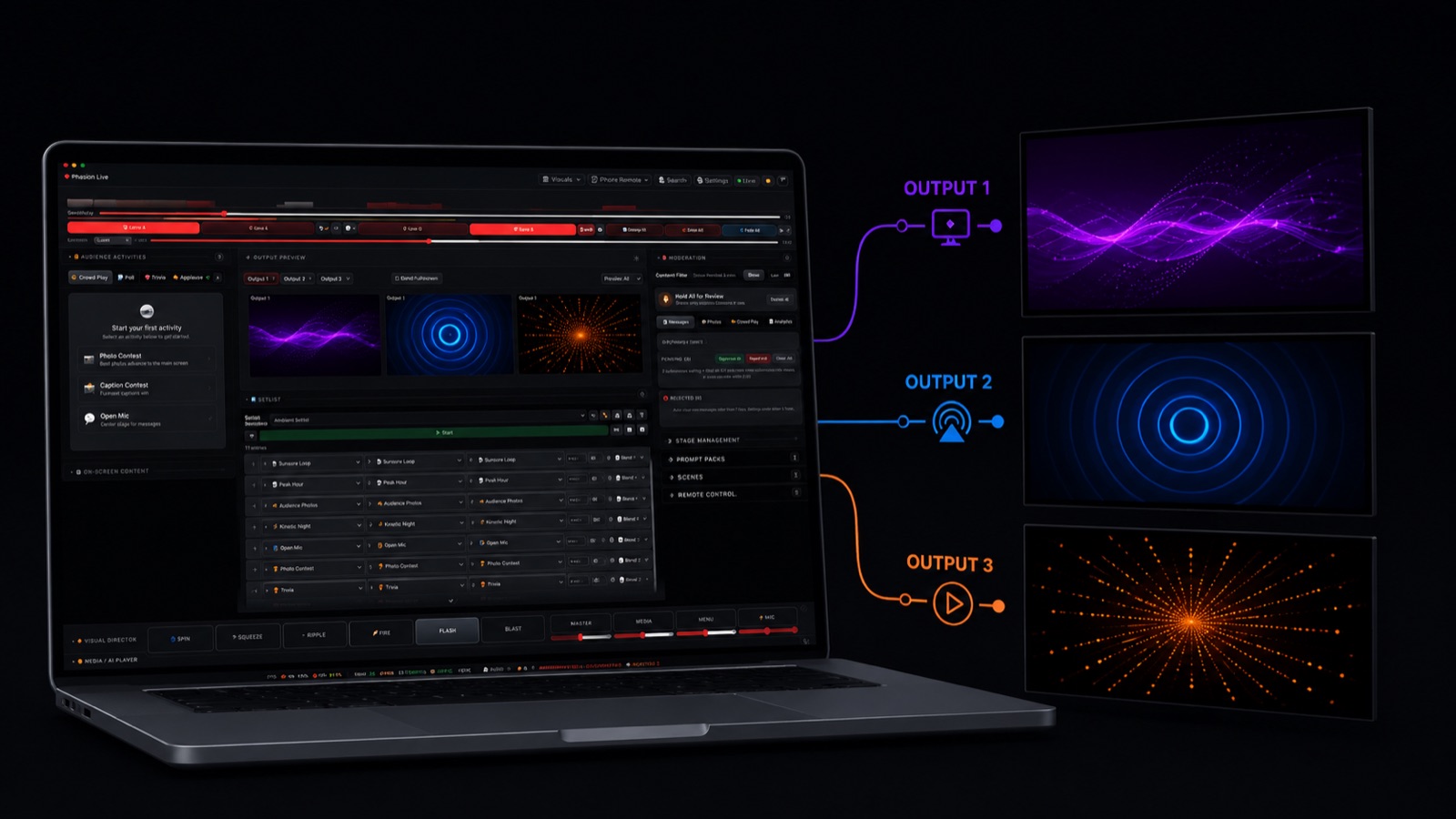
Phasion Live controls window with three active outputs in the tab strip, each running a different audio-reactive preset
OUTPUT & ROUTING

One laptop, three independent audience displays.

Drive every screen from one laptop. Each feed slots cleanly into the rig you already run.

What's in it

  • Up to 3 simultaneous outputs (Solo: up to 2 · Pro / Venue: 3)
  • Each output runs its own scene, preset, and visual mode
  • Per-output Syphon server — Resolume / OBS / MadMapper
  • NDI output — for broadcast / streaming workflows
  • AirPlay — beam to Apple TV with one click
  • Per-output resolution lock — clean signal for fixed installs
Available in 1 screen all plans · 2 on Solo (multi-screen) · 3 on Pro / Venue
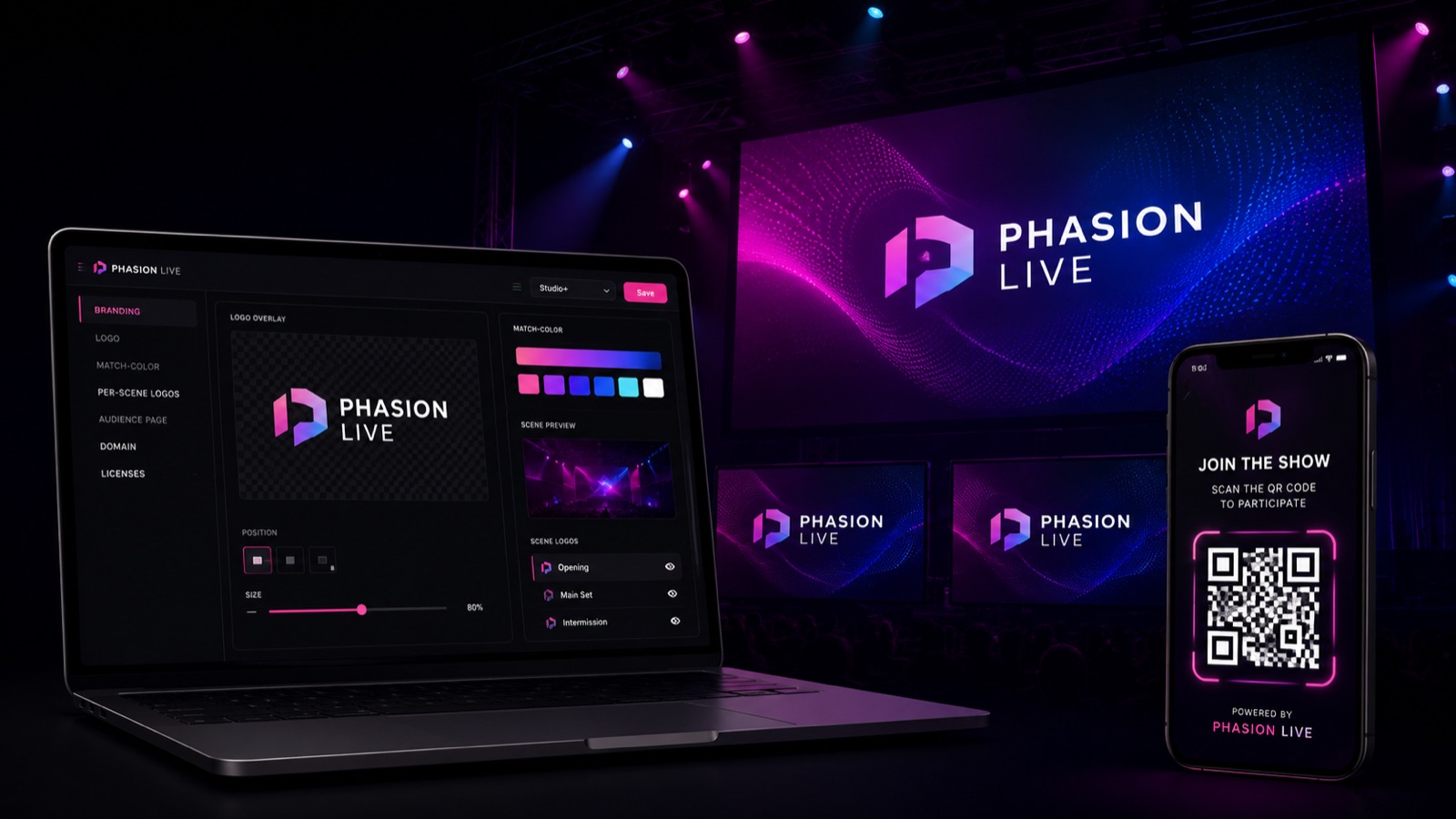
Phasion Live with sponsor and venue logo overlays composited over a live audio-reactive visual, color-matched to the scene palette
BRANDING

Make every screen yours.

Brand every touchpoint — projector, audience page, even your domain. From logo control in Solo to white-label in Venue.

What's in it

  • Brand logo overlay — sponsor, DJ, venue, or event (Solo+)
  • Match-scene-color — logos auto-tint to the active palette (Solo+)
  • Per-scene logo configuration — different logo per scene (Pro+)
  • Custom audience landing page — your logo, colors, and copy (Venue)
  • White-label audience domain (vj.yourclub.com) (Venue)
  • Multi-seat licensing for venue staff (Venue)
Available in Logo + match-color Solo+ · Per-scene logos Pro+ · Audience page / domain / seats Venue

RUN THE NIGHT YOUR WAY.

MIDI, OSC, a phone in your pocket, or a cued setlist — drive it however you perform.

Phasion Live's MIDI mapping panel — each row binds a MIDI note or CC to an in-app action like scene change, mashup roll, or audience overlay toggle
CONTROL SURFACES

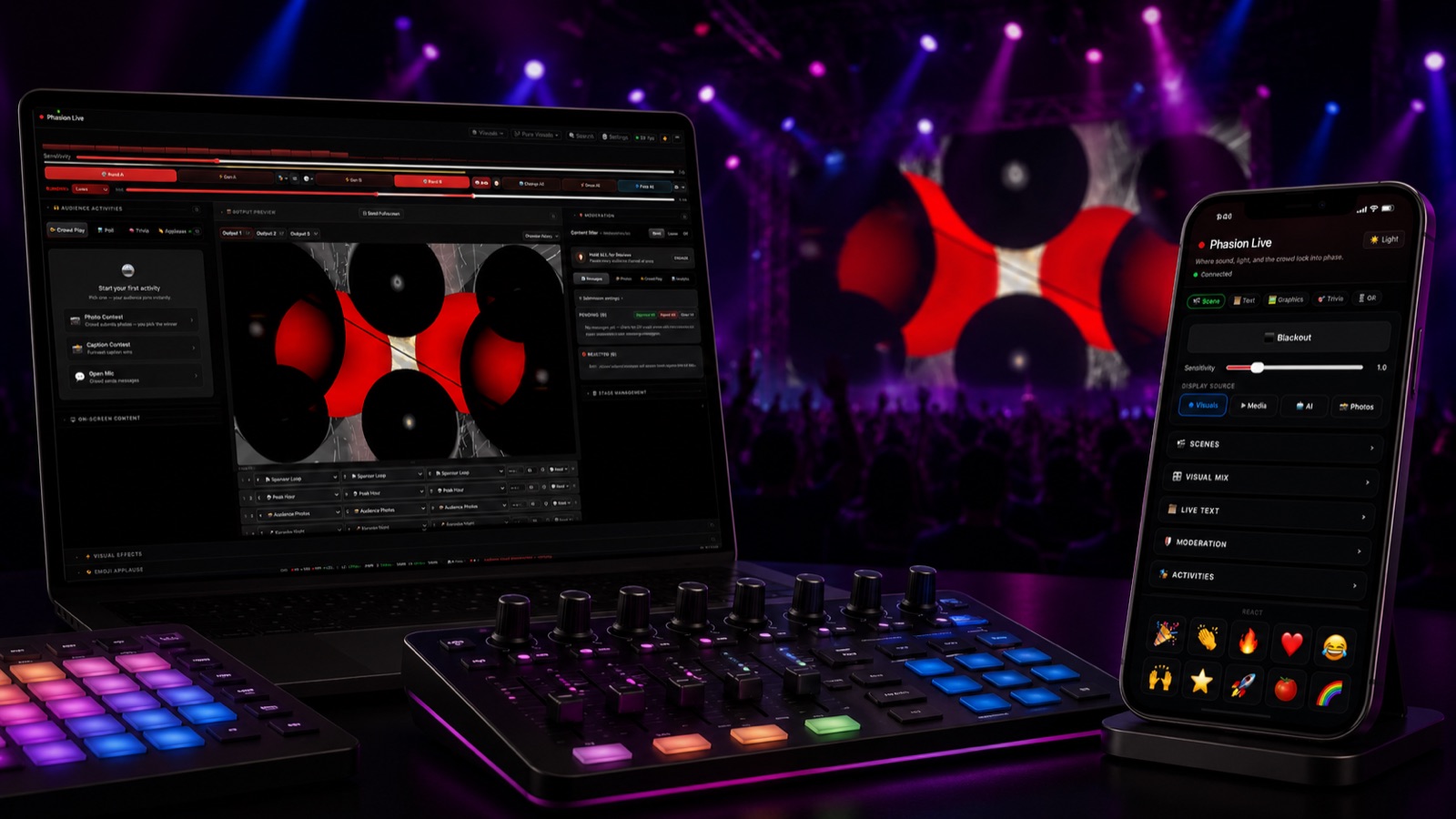
Map a controller. Cue a setlist. Run it from your phone.

Whatever's at your fingertips on the night — Phasion Live talks to it. Set up once, perform live.

What's in it

  • MIDI input — Launchpad, APC, X-Touch, anything
  • OSC in/out — TouchOSC, custom controllers (Solo+)
  • Phone or tablet remote — walk the floor, control it all (Pro+)
  • Scene editor — build one-button moments (Pro+)
  • Setlist cues — manual, scheduled, or duration-based (Pro+)
  • Keyboard shortcuts for every common action
Available in MIDI all plans · OSC Solo+ · Phone / Scenes / Setlists Pro+

READY TO
COMMAND THE ROOM?

Free trial in your browser — runs for 10 minutes, no card, no signup. Or jump straight to a paid plan and skip the trial.

Web · macOS · Windows on the way